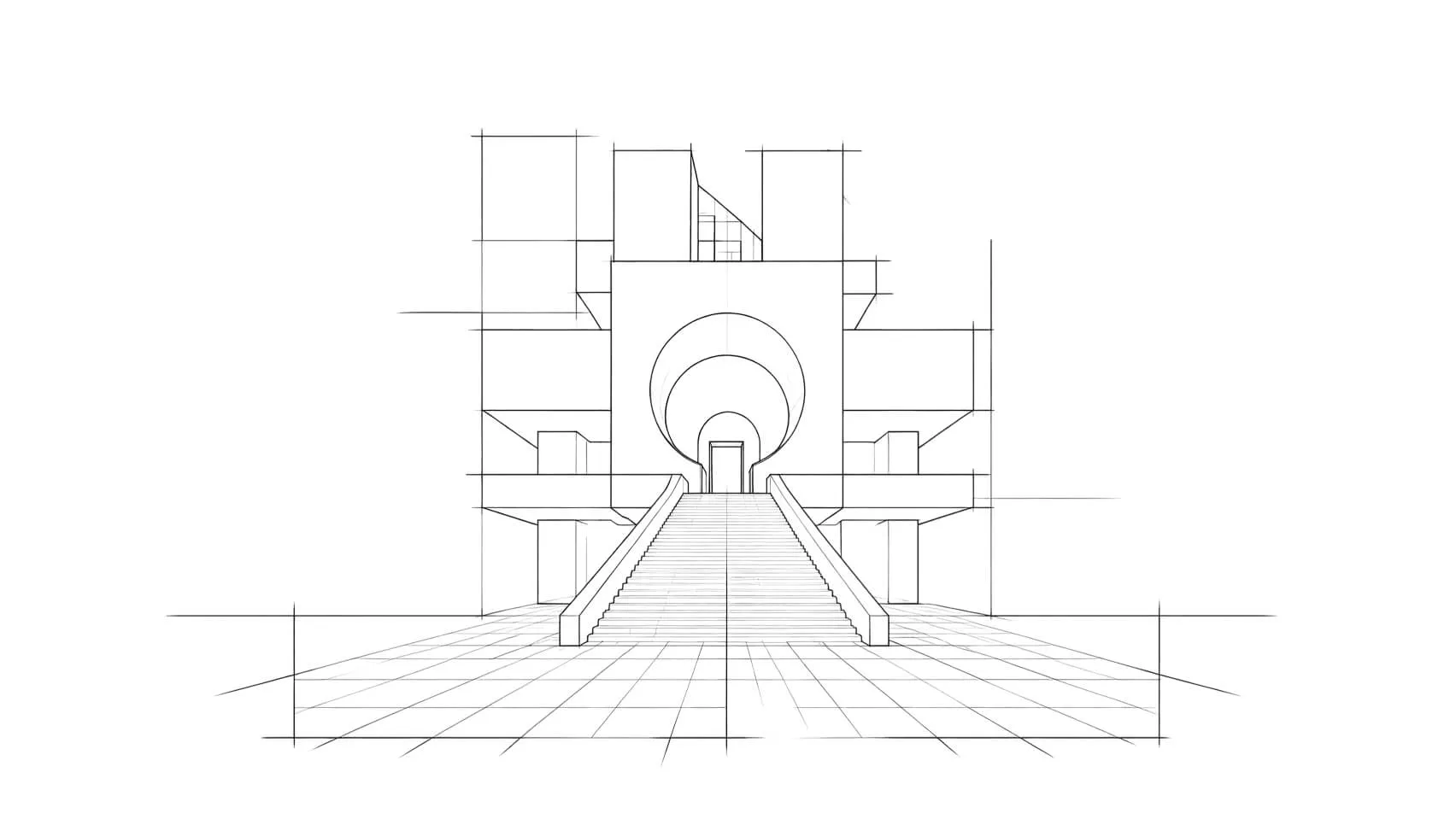
Your AI design agent, right in the tool
Ask, and Heron does it for you
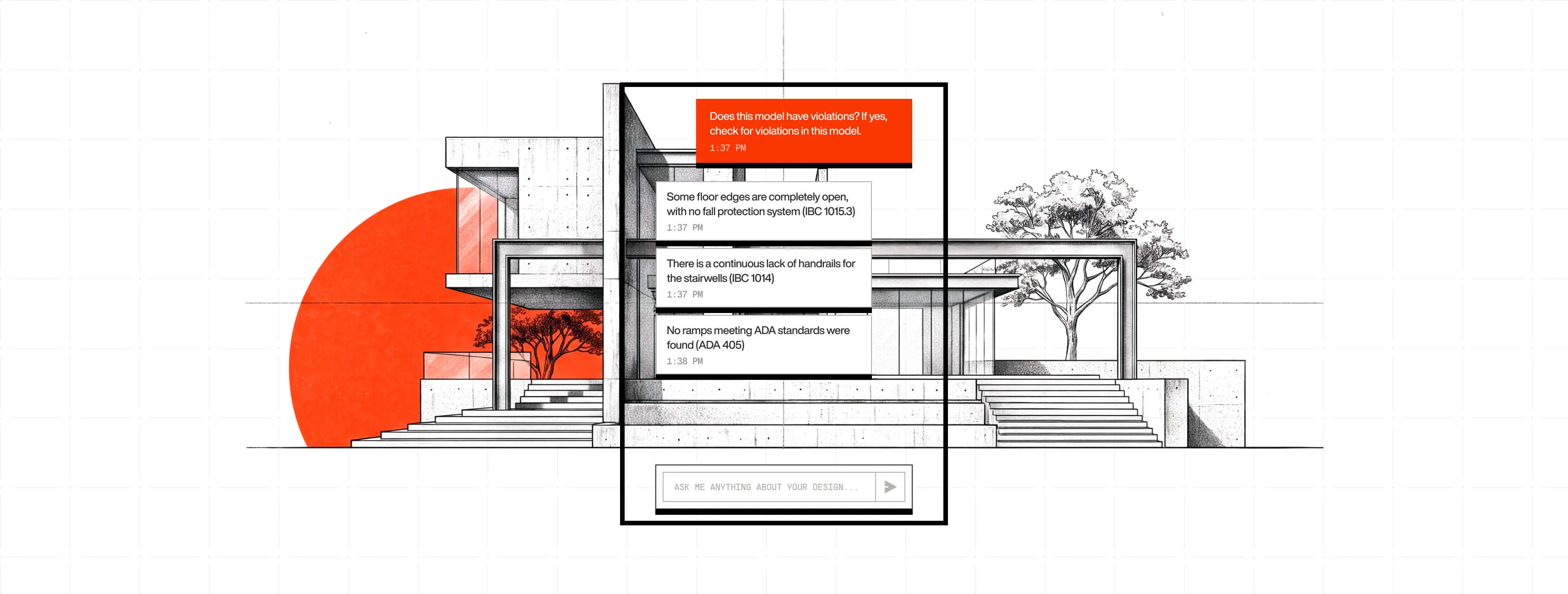
Heron Chat sits on top of your design tool. Ask about your model or tell it what to change, and it makes the edit itself once you approve, without pulling you out of your work.
Discover more
Discover more
.webp)
.webp)
Heron Chat
Button
Button

















Button
Button
KEY FEATURES
From a question to a finished change
[01]
SEES YOUR MODEL
[01]
TAKES ACTION
[01]
APPROVAL FIRST
[01]
PLAIN LANGUAGE
[01]
EVERYWHERE YOU DESIGN
[01]
[01]
[01]
[01]
[01]
SEES YOUR MODEL
Answers grounded in your actual project
Heron reads the model you're working in, so its answers and edits fit your real geometry, not a generic example.
.jpg)
TAKES ACTION
It doesn't just tell you, it does it
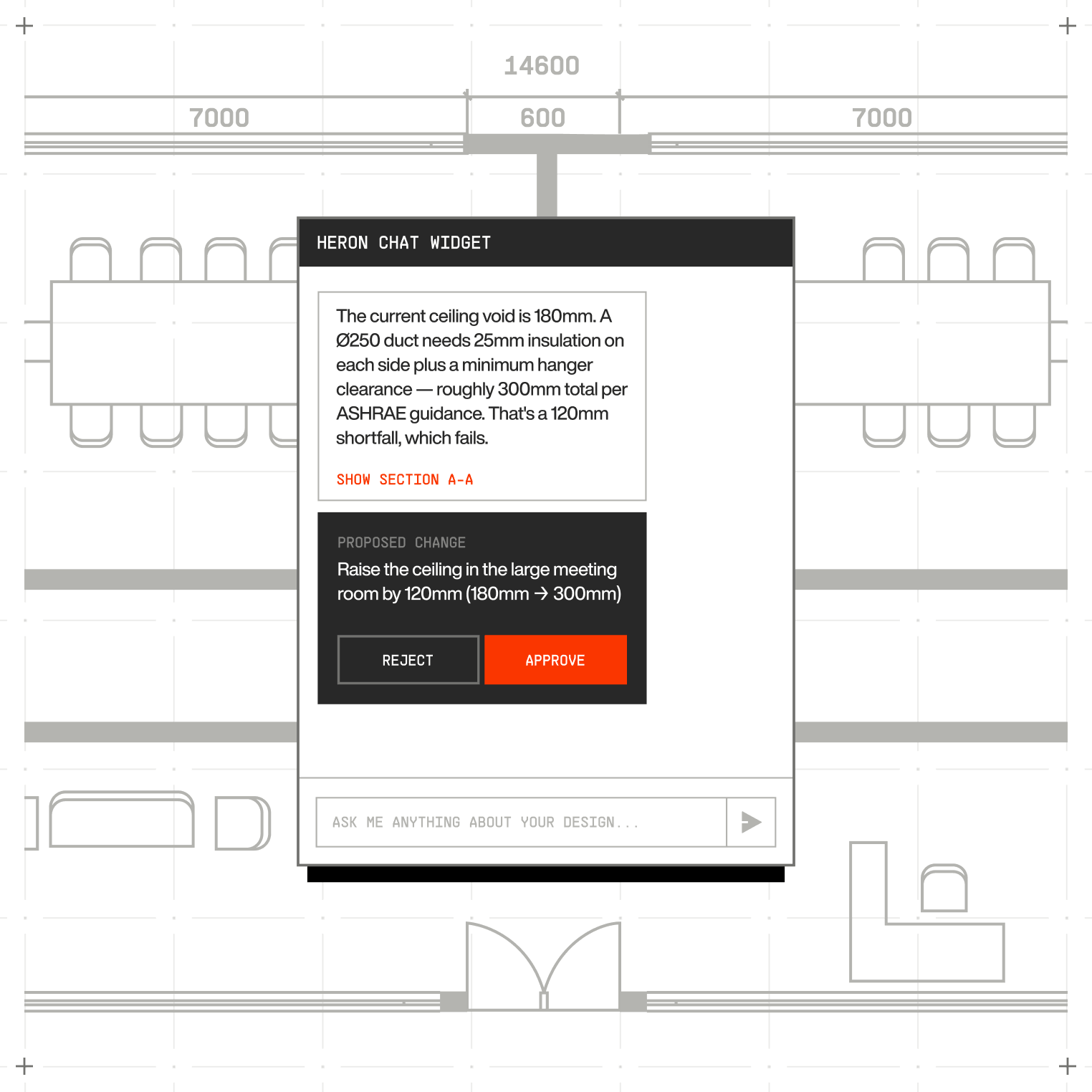
Tell Heron what to change and it makes the edit in the model itself, once you give the go-ahead.
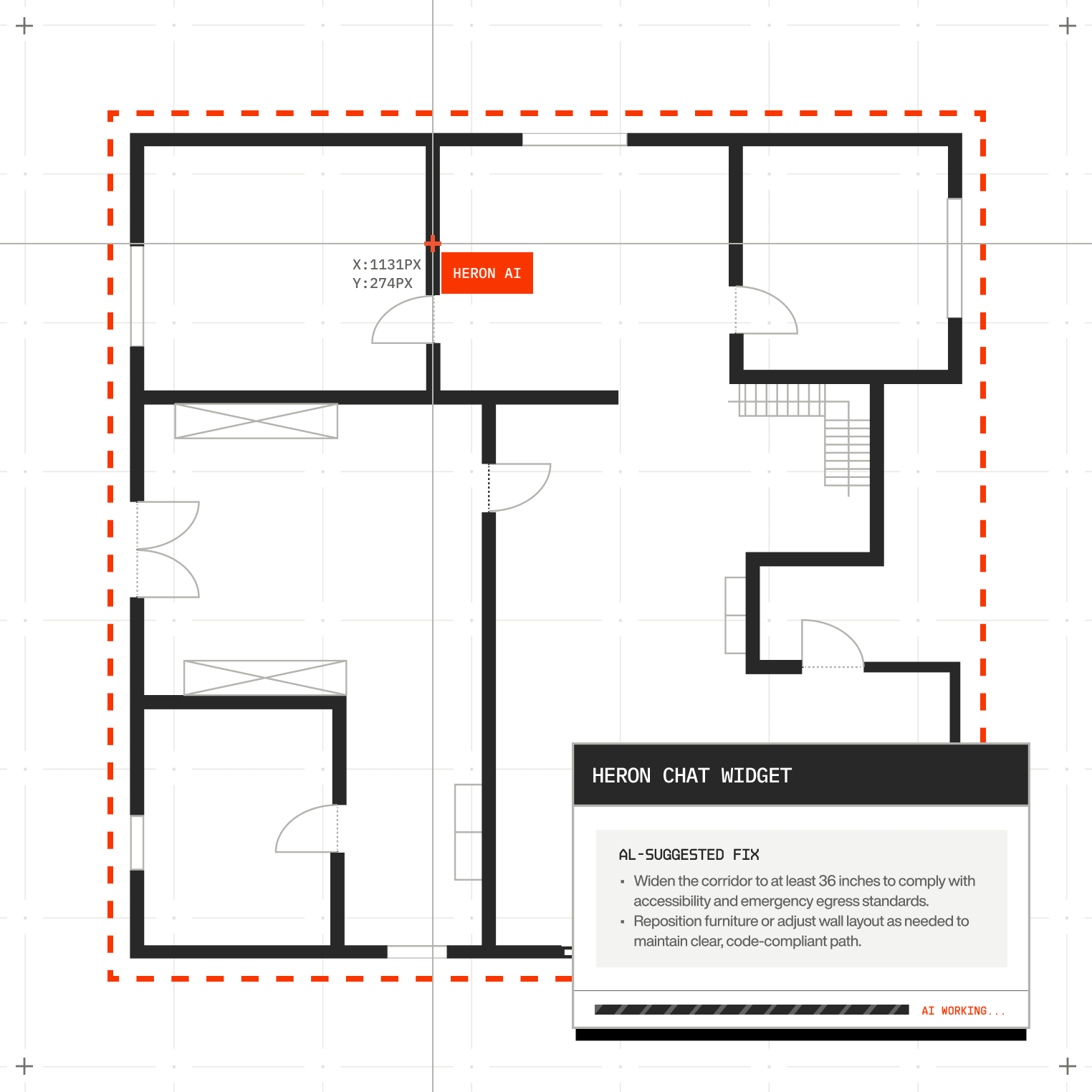
APPROVAL FIRST
Nothing changes without your say-so
Every edit is shown to you before it happens, so you stay in control the whole way through.
PLAIN LANGUAGE
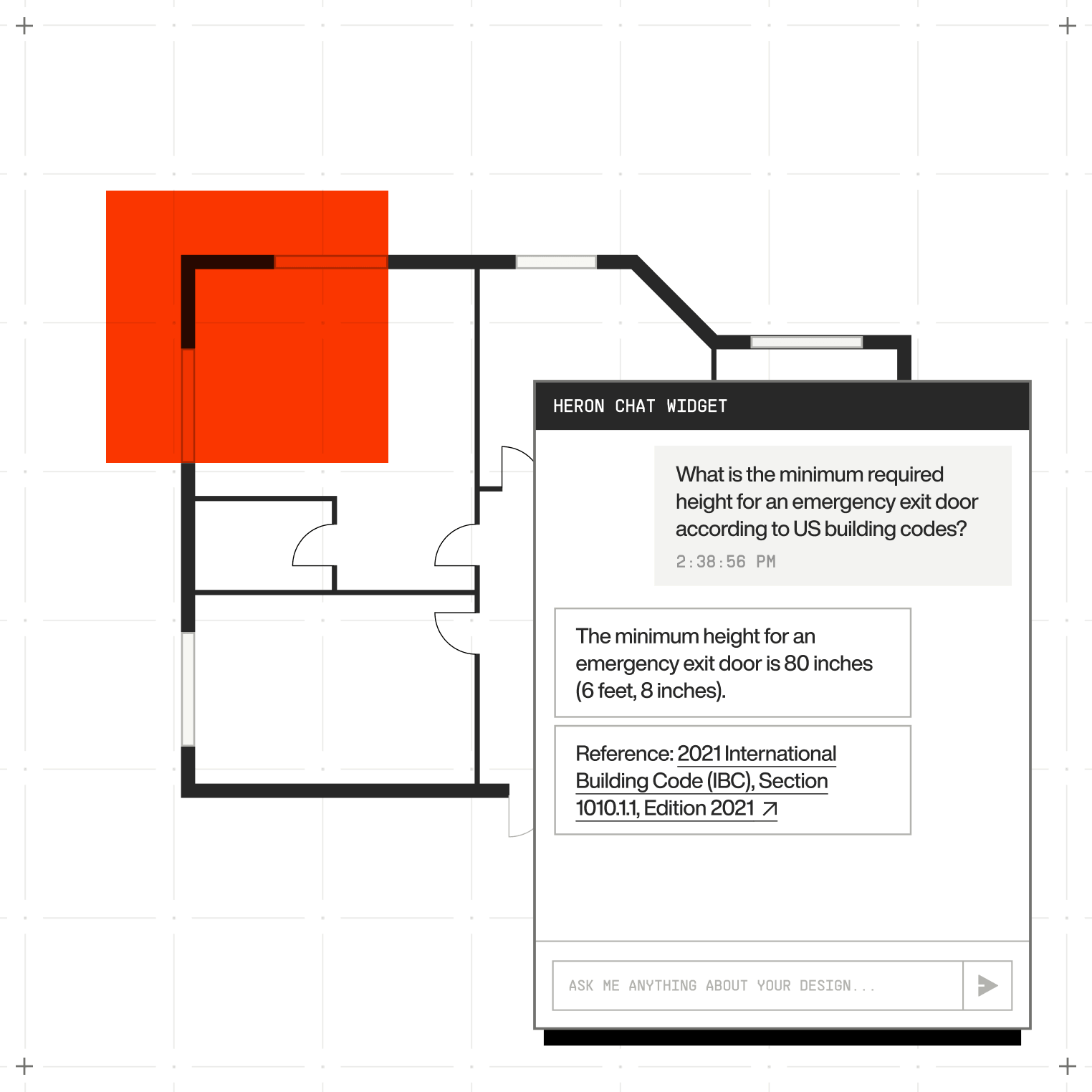
Just talk to it normally
No commands to memorise. Ask or instruct in everyday words and Heron works out what you mean.
EVERYWHERE YOU DESIGN
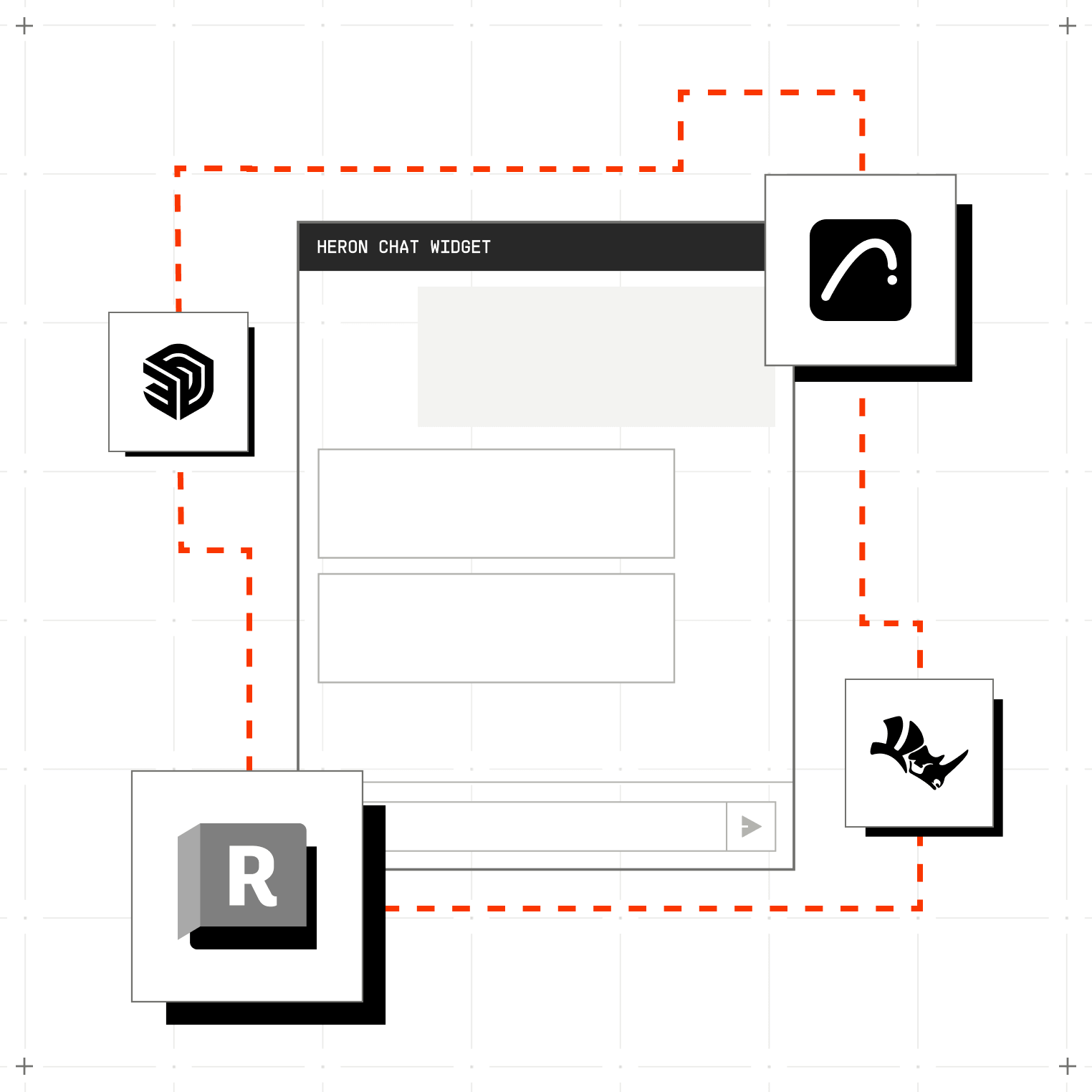
One agent across your tools
Use Heron Chat inside Revit, Rhino, ArchiCAD and SketchUp, and it keeps your context as you move between them.
From asking to done, in 3 steps
Cut the manual work, keep your focus on the design, and stay in control of every change.
[Scroll to continue]
step
[01]
Open the chat
Heron Chat floats over your design tool, always a click away while you work.
step
[02]
Ask or instruct
Ask a question about your model or tell Heron what you want changed, in plain words.
step
[03]
Approve the change
Heron shows you what it will do. Give the nod and it makes the edit in your model.
FAQs
Got Questions? We’ve Got Answers
Does Heron change my model without asking?
Later
No. Heron always shows you the edit first and waits for your approval. Nothing lands in your model until you say yes, and every edit can be undone.
Which design tools does Heron Chat work in?
Later
Revit, Rhino, ArchiCAD and SketchUp, with more on the way. It keeps your context as you move between them.
Can it see my whole project or just the open view?
Later
Heron reads the model you're working in, so its answers and edits match your real geometry, not a generic example.
What if I don't like a change it made?
Later
Every edit can be undone. Since you approve each one first, surprises are rare, but you can always roll it back.
Do I need to learn special commands?
Later
No. Talk to Heron in normal, everyday language. It works out what you mean, and asks if it's not sure.
SEE WHAT HERON CAN DO IN YOUR MODEL
Book a demo and we'll show Heron working inside one of your own projects.